Product photos for marketplaces
Turn a quick phone photo of your product into clean listing images for Rozetka, Prom, Etsy or an Instagram shop.
Good product photos sell. You don't need a studio: take a clear phone photo and let the Product photo tool do the rest.

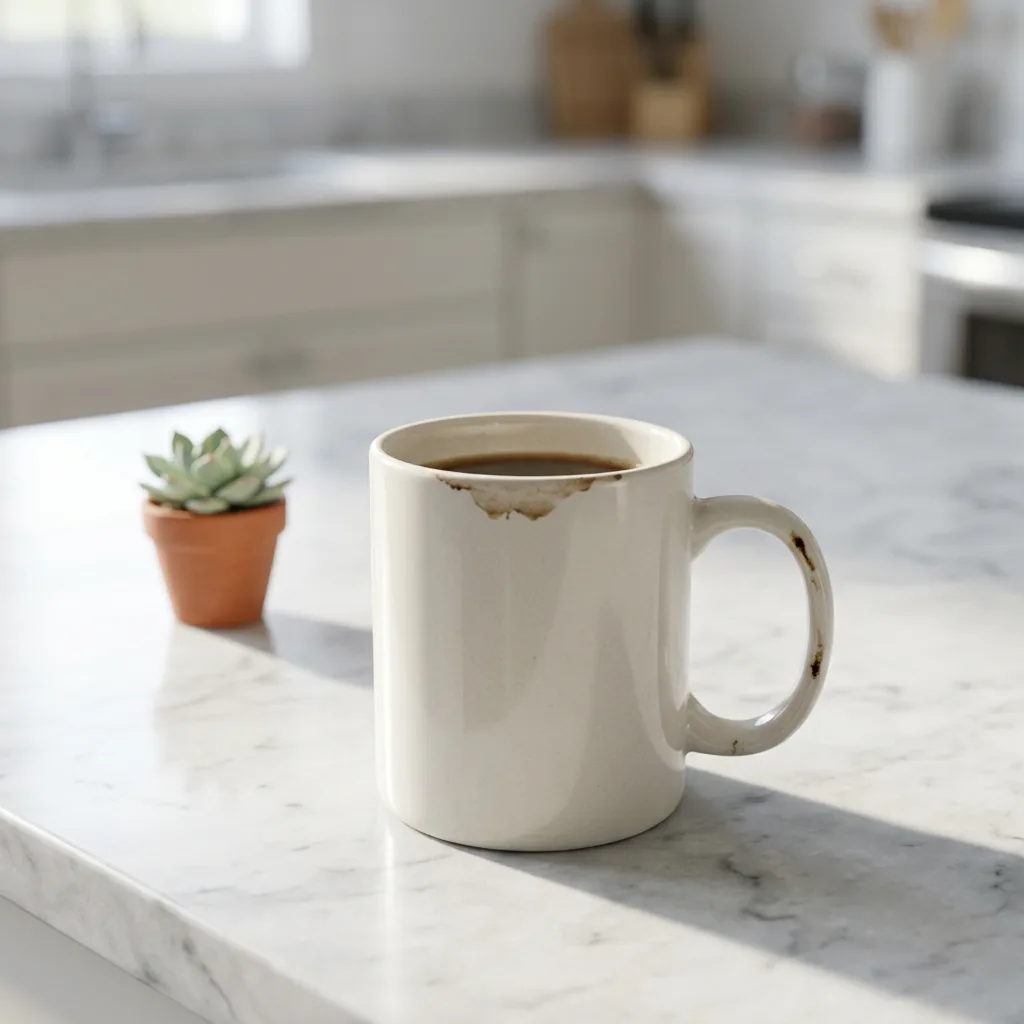
Step 1: Take a usable photo
- Shoot in daylight, near a window.
- Show the whole product, in focus, from the angle buyers expect.
- A messy background is fine. The tool replaces it.
Step 2: Use the Product photo tool
- Open Product photo (20 credits per image).
- Upload your photo.
- Choose a background: pure white studio, marble counter morning light, wooden table with plants, pastel color block or outdoor sunlight.
- Add optional details, for example "a few coffee beans next to it".
- Pick 1, 2 or 4 variants and press Create.
Which background for which platform
| Platform | Main image | Extra images |
|---|---|---|
| Rozetka | Pure white studio | Lifestyle scene, like a wooden table with plants |
| Prom | Pure white studio | Marble counter or outdoor sunlight |
| Etsy | Wooden table with plants or marble counter | Close-up details, styled scenes |
| Instagram shop | Pastel color block or a lifestyle scene | Several scenes in the same style |
Marketplaces often ask for a plain light background on the main image. Check each platform's current rules before you upload.
Step 3: Pick the right format
In the studio, 1:1 works for most listing tiles, 3:4 for tall catalog cards and 4:5 for Instagram feed posts.
More control with a prompt
For a custom scene, upload your photo in the studio with Nano Banana 2 and describe it:
Keep the product exactly as it is. Place it on a light oak shelf with a small plant and soft morning window light, clean and minimal, product photo
Warning
Keep the product honest. Don't change its color, shape, size or details. Buyers should get what they see in the photo.
Tip
Use the same background for your whole catalog. A consistent look makes your shop feel professional.