Choosing a model
Compare Tyzli's image models by strength and price, and know which one to pick.
Updated 2026-10-12 Markdown
Tyzli gives you seven image models on one balance. Each has its own strengths. Switch between them on the model card in the studio by clicking Switch.
All image models
| Model | Made by | Credits per image | Edits photos | Best at |
|---|---|---|---|---|
| Nano Banana Lite | 10 | Yes | Cheapest drafts | |
| Nano Banana 2 | 20 | Yes | Fast, great instruction following | |
| Seedream 5 Pro | ByteDance | 20 | No | Cinematic photos, vivid color |
| FLUX.2 Pro | Black Forest Labs | 15 | No | Photorealism with fine detail |
| Ideogram | Ideogram | 20 | No | Logos and lettering |
| GPT Image 2 | OpenAI | 25 | No | Layouts, posters, illustrations |
| Nano Banana Pro | 35 | Yes | Best realism, faces, readable text |
Only models marked Edit (the three Nano Banana models) accept reference photos.
Which one to pick
| You want to... | Pick |
|---|---|
| Try lots of ideas cheaply | Nano Banana Lite |
| Get a solid result on the first try | Nano Banana 2 |
| Edit your own photo | Nano Banana 2, or Nano Banana Pro for faces |
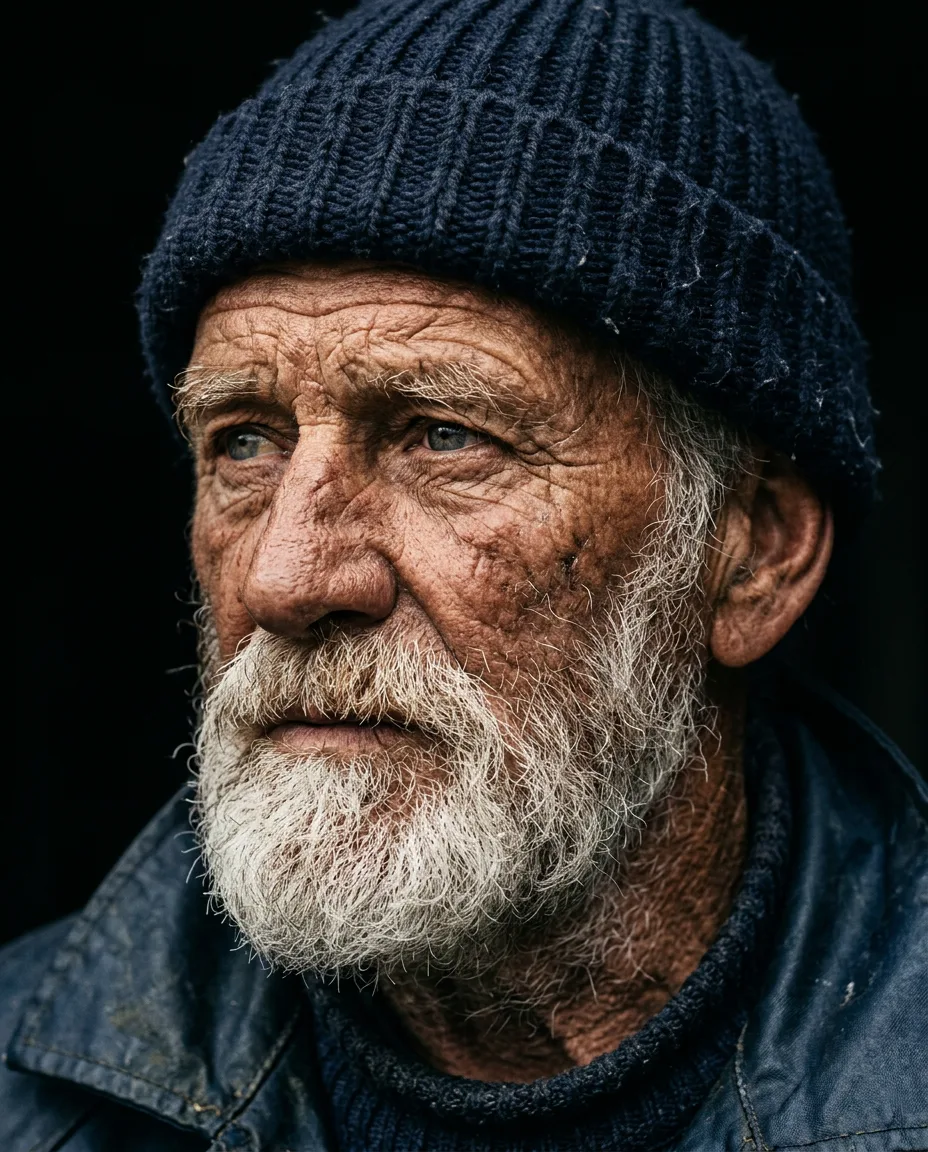
| Create a realistic portrait | Nano Banana Pro or FLUX.2 Pro |
| Make a moody, colorful scene | Seedream 5 Pro |
| Design a poster with a headline | GPT Image 2 or Nano Banana Pro |
| Design a logo or a word mark | Ideogram |
| Keep a character consistent | Any Nano Banana model with a reference |
A simple workflow
- Explore with Nano Banana Lite or Nano Banana 2, 2 to 4 images at a time.
- Pick the best idea.
- Finish with the model that fits the job, for example Nano Banana Pro for a face or Ideogram for lettering.
Tip
The same prompt can look very different on different models. When a result isn't what you want, try another model before rewriting the whole prompt.
Related
Was this article helpful?