Aspect ratio and number of images
Pick the right shape for where your image will be used, and decide how many variants to create.
Updated 2026-10-12 Markdown
Two settings in the studio shape every result: the aspect ratio and the number of images.
Aspect ratio
The aspect ratio is the shape of the image, written as width:height. Pick it before you create, because it changes the composition, not just the crop.
| Ratio | Shape | Good for |
|---|---|---|
| 1:1 | Square | Profile pictures, product tiles, feed posts |
| 4:5 | Tall rectangle | Instagram feed posts |
| 3:4 | Tall rectangle | Posters, marketplace product photos |
| 2:3 | Portrait | Portraits, book covers, Pinterest |
| 9:16 | Full phone screen | Stories, Reels, TikTok, phone wallpapers |
| 4:3 | Wide rectangle | Presentations, interiors |
| 3:2 | Classic photo | Landscapes, blog images |
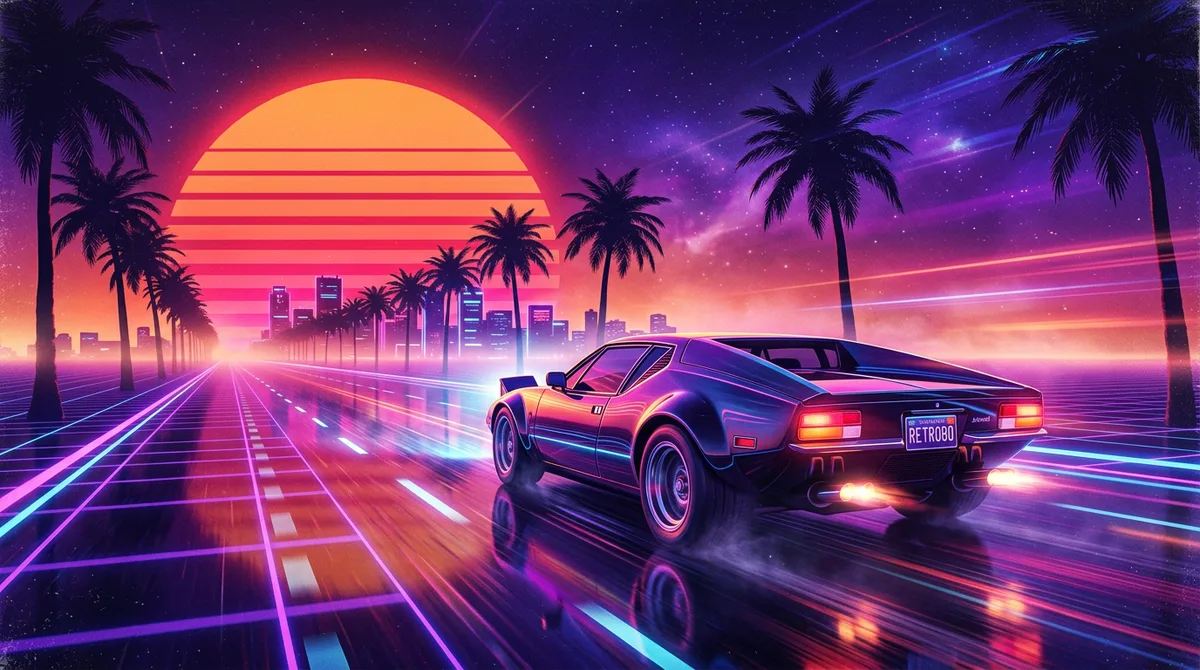
| 16:9 | Widescreen | YouTube thumbnails, banners, desktop wallpapers |
Tips
- Portraits look best in 2:3 or 4:5. A square often crops the shoulders awkwardly.
- Landscapes and scenes need room: use 16:9 or 3:2.
- Text and posters read better in a tall format like 3:4.
Number of images
You can create 1 to 4 images at once. The price multiplies with the number.
| Images | Nano Banana 2 (20 each) | Nano Banana Pro (35 each) |
|---|---|---|
| 1 | 20 credits | 35 credits |
| 2 | 40 credits | 70 credits |
| 4 | 80 credits | 140 credits |
The total is always shown on the button before you create.
When to create more than one
- Exploring a new idea: create 3 or 4 and pick the best.
- Refining a known prompt: 1 is often enough.
- Final hero image: 2 to 4 on a better model, then choose.
Each image in a batch comes out a little different. See How AI image generation works for why.
Note
If some images in a batch fail, only those are refunded. You keep and pay for the ones that worked.
Related
Was this article helpful?