Image to image and photo editing
Use your own photos as references to edit them or create new images based on them.
Besides writing a prompt, you can give the model up to 3 reference photos. The model then edits your photo or uses it as a starting point for something new.
Which models accept photos
Only models marked Edit accept reference photos:
| Model | Credits per image | Best for |
|---|---|---|
| Nano Banana Lite | 10 | Quick, cheap edits |
| Nano Banana 2 | 20 | Most edits, follows instructions well |
| Nano Banana Pro | 35 | Realistic faces, fine detail, text |
GPT Image 2, Seedream 5 Pro, FLUX.2 Pro and Ideogram work from text only.
Adding reference photos
- Click the reference area in the left panel and upload up to 3 photos.
- Formats: JPG, PNG or WebP, up to 10 MB each.
- Or paste an image directly into the prompt box.
- Or open one of your results and click Edit this image.
Writing an edit prompt
Tell the model what to change and what to keep. Be direct.
Keep the woman and her red dress exactly as they are. Replace the parking lot with a rooftop terrace over an old European city at sunset.
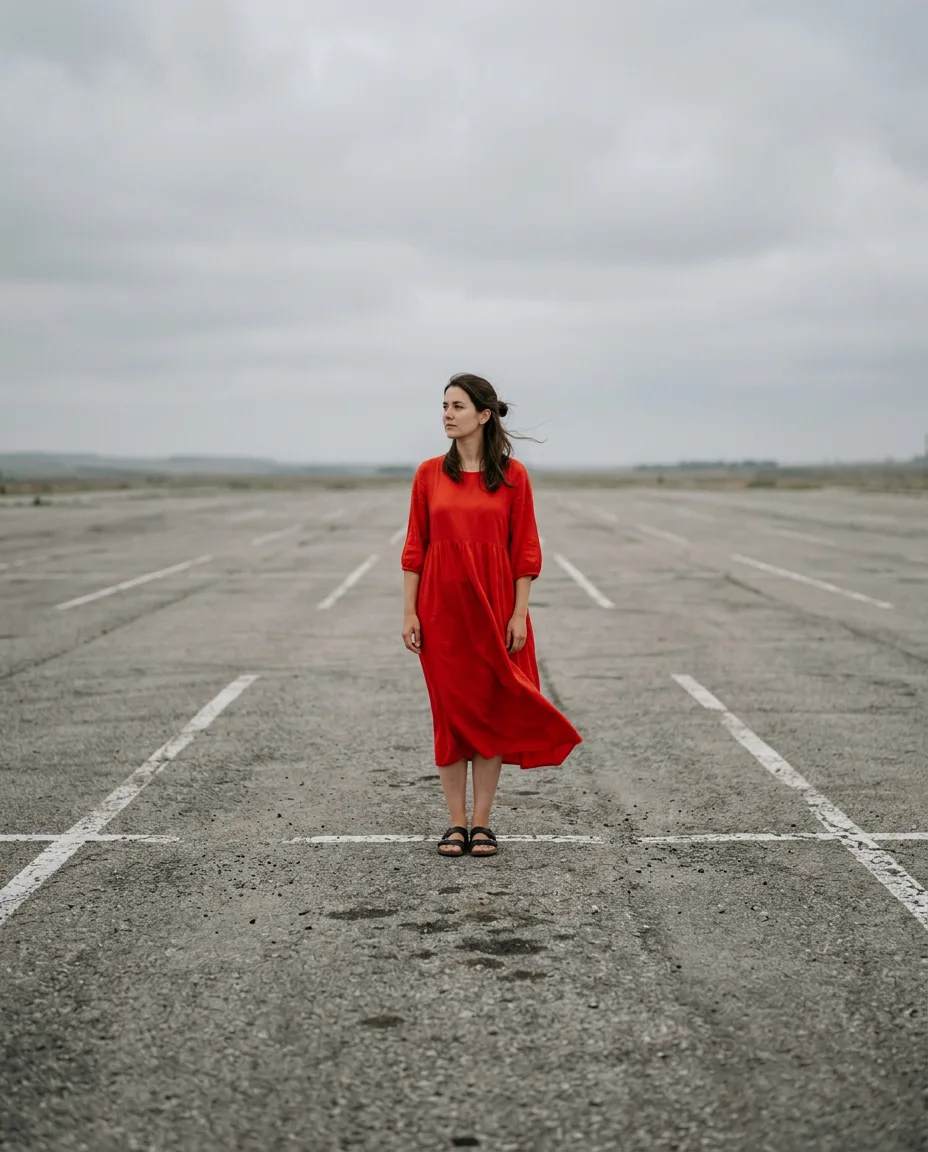
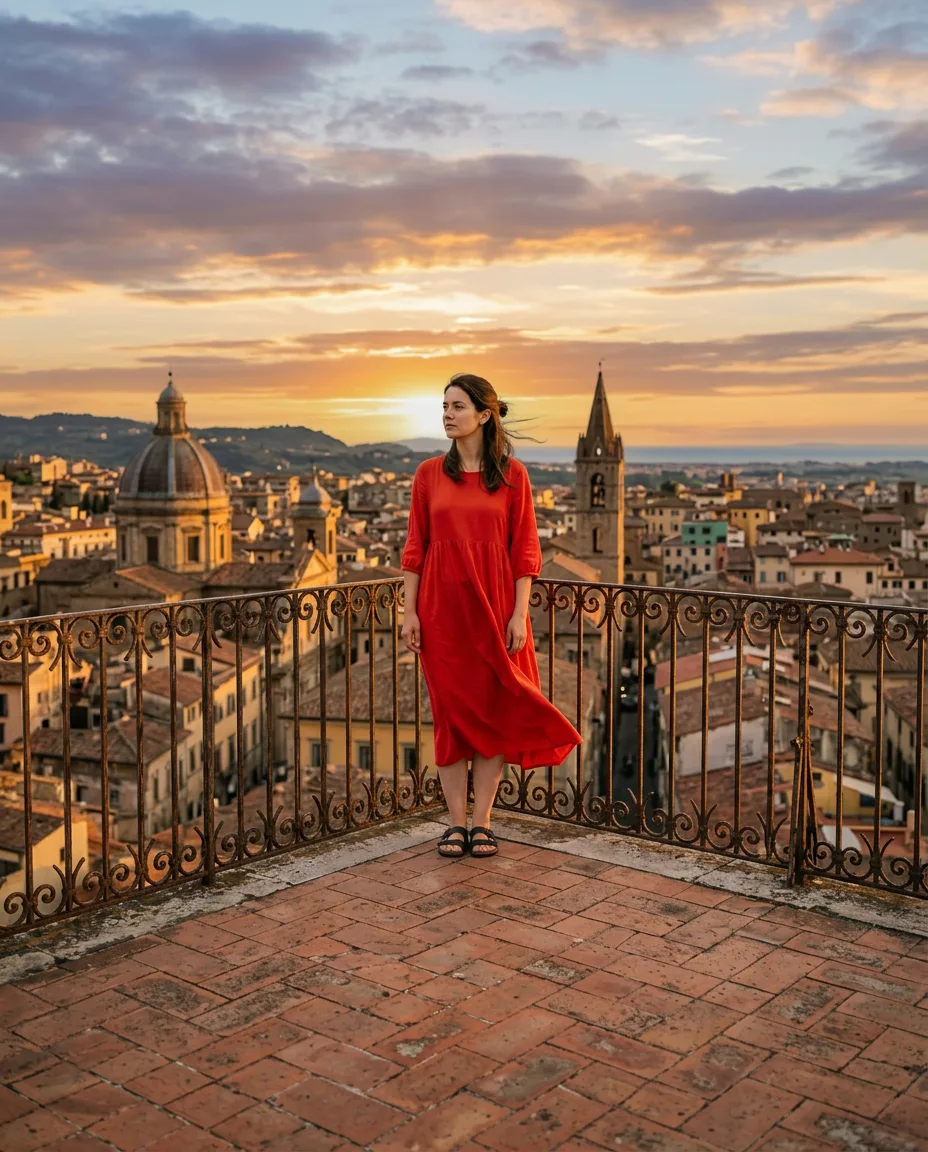
Turn this photo into a watercolor illustration, keep the composition and colors
Using several references
With 2 or 3 photos, say what each one is for, for example "use the person from the first photo and the jacket from the second photo".
Common edits
- Change the background or the time of day
- Change clothes, colors or hairstyle
- Turn a photo into a different style (3D, anime, oil painting)
- Remove or add objects
- Place a character in a new scene
Tip
For common edits like new backgrounds or product shots, the Magic tools do the prompt writing for you.
Warning
Only upload photos you have the right to use, including photos of other people. See Content rules.